In the beginning, there was light
click anywhere to begin
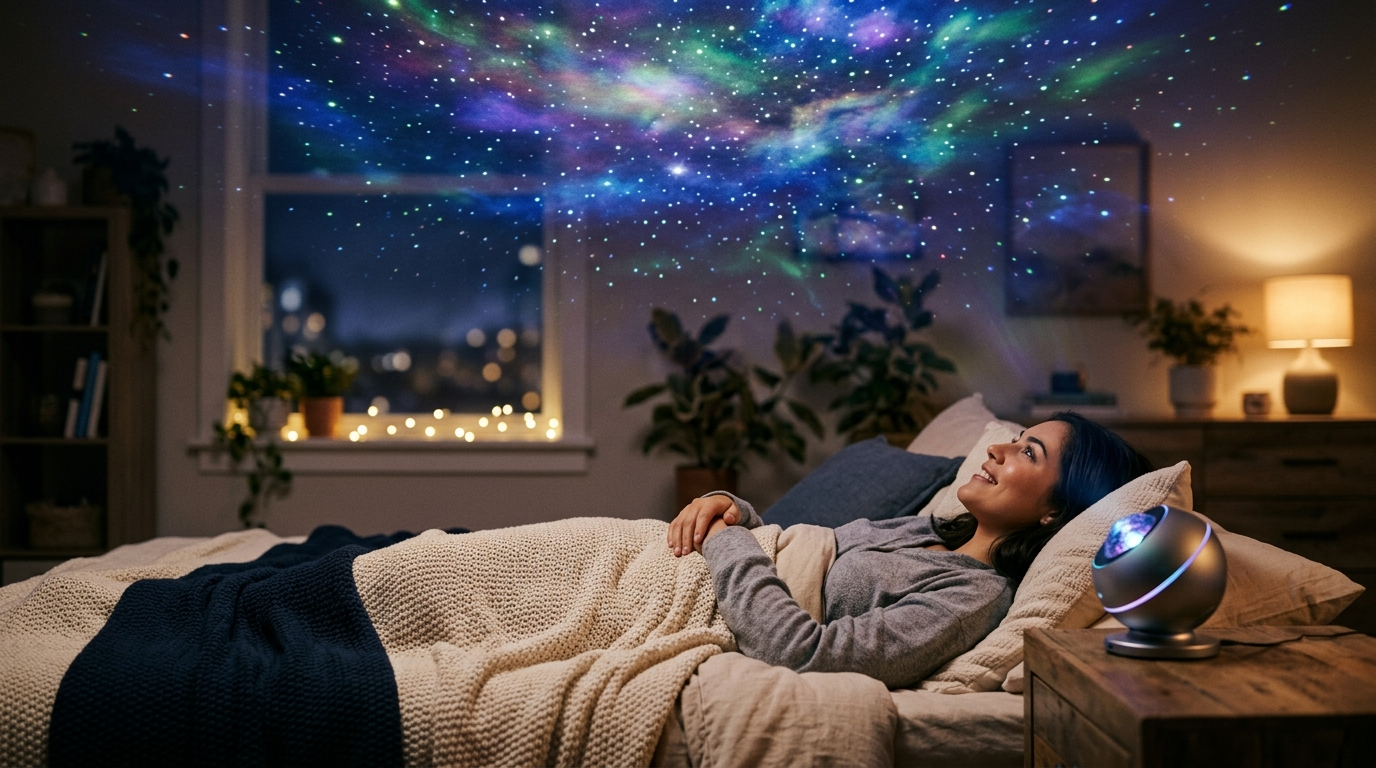
✦Loved this? Put a real galaxy on your ceilingWhat is Stardust?
Stardust is a free interactive cosmic playground built by NebulaTool. Using nothing but your browser, you can sculpt galaxies with your cursor, trigger supernovas with a click, spawn black holes that devour nearby particles, and type words that dissolve into star constellations. The entire experience runs client-side with no downloads, no accounts, and no data collection.
Choose from five distinct particle modes, each with unique physics: Nebula creates flowing connected star fields, Vortex pulls particles into spiraling formations, Firefly produces drifting organic motion, Aurora generates sweeping curtains of light, and Comet sends particles streaming with gravity trails. Six color palettes let you shift the entire cosmic atmosphere from ethereal pastels to toxic neons.
How to Use Stardust
Click anywhere on the intro screen to trigger the Big Bang and begin your cosmic journey. Move your mouse to create particles that trail behind your cursor. Left-click anywhere to trigger a supernova burst that sends over 100 particles exploding outward. Hold the left mouse button to create a gravity well that attracts nearby particles toward your cursor.
Right-click to spawn a black hole with realistic accretion rings and an event horizon that consumes particles. Type any word on your keyboard and watch it appear as ghost text before dissolving into hundreds of star particles that form the shape of your letters. Use the Capture button to save a high-resolution PNG of your creation, or the Share button to send a link to friends.
Frequently Asked Questions
What is Stardust?
Stardust is a free interactive cosmic playground by NebulaTool. Sculpt galaxies with your cursor, create supernovas with clicks, spawn black holes, and type words into constellations. It runs entirely in your browser with no downloads or sign-ups.
How do I control Stardust?
Move to create particles, click for supernovas, hold to attract, right-click for black holes, and type words that dissolve into stars. Switch between 5 particle modes and 6 color palettes using the on-screen controls.
Does Stardust work on mobile?
Yes. Tap to create particle bursts and drag to sculpt galaxies. The experience is fully optimized for touch interactions on smartphones and tablets.
Can I save my creations?
Use the Capture button in the top navigation to download a high-resolution PNG screenshot. Use the Share button to copy a link or share directly on supported platforms.
Does Stardust have sound?
Yes. Enable sound via the Sound button. Interactions generate ethereal pentatonic notes through reverb and delay effects, creating an ambient generative soundscape. Sound is off by default.